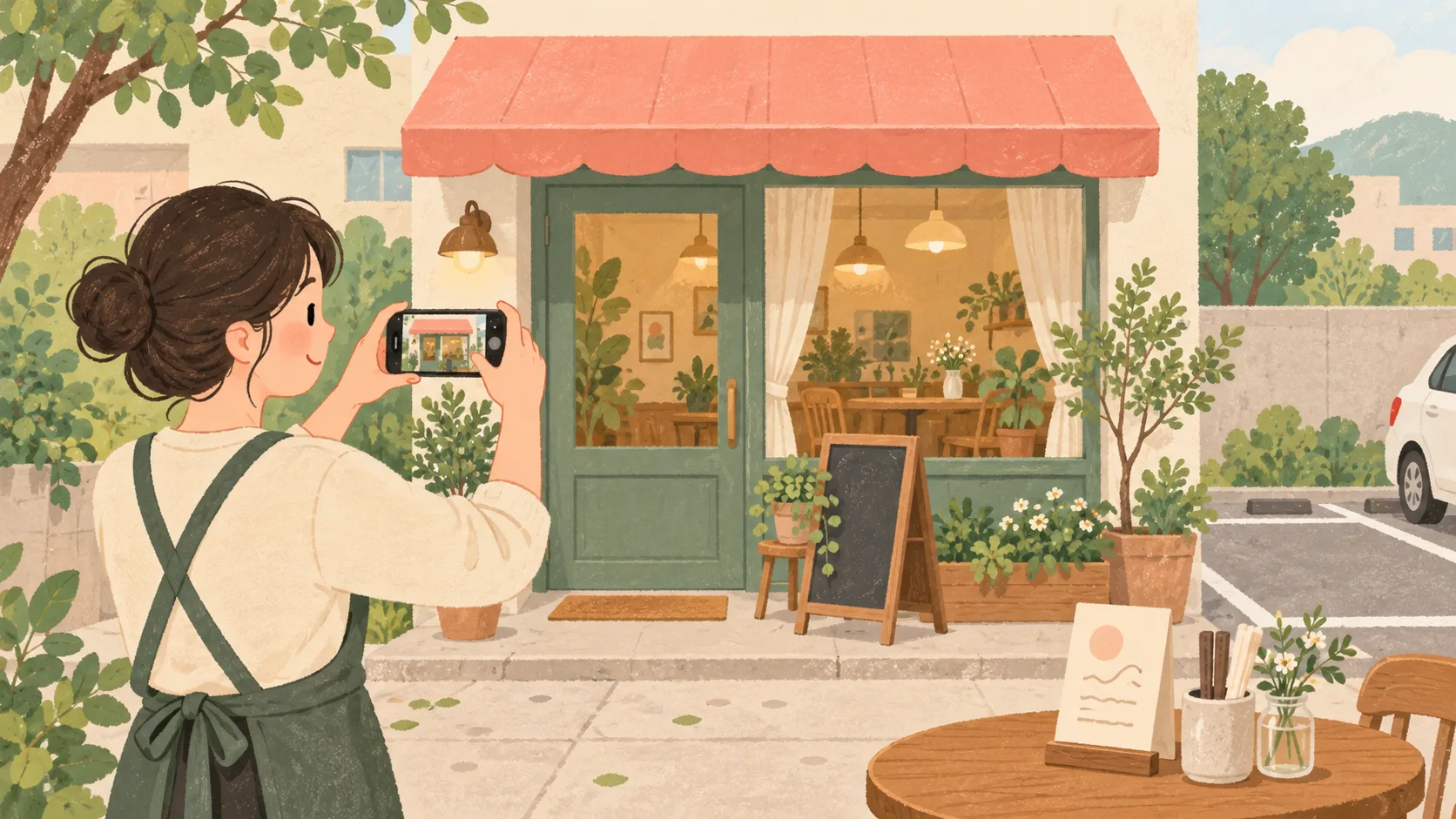
Start with the questions a first-time customer asks: Which door should I use? Where do I go after parking? Is this item still available? Those questions make a practical shot list.
The workflow below is an editorial suggestion from Kobizmap. Google’s photo guidance was checked on October 1, 2026.
Photograph the steps of a first visit
Google’s business-photo guidance distinguishes exterior, interior, product and service images. Begin with arrival, then show what someone can buy or use.
| Scene | Include | Ask before posting |
|---|---|---|
| Exterior and entrance | The storefront, sign and door customers use | Does this match the view from the street? |
| Arrival from parking | Useful visual cues between permitted parking and the entrance | Could this imply that another business’s spaces belong to us? |
| Interior | The counter, seating or waiting area visible from the entrance | Will a newcomer know where to go? |
| Products or menu items | Items currently offered | Does the current serving or package match? |
| Services | Consultation space, tools or preparation | Does this answer a question people ask before booking? |
This is a planning sheet, not a quota. A missing view of the entrance may be more useful than another angle of the same plate.
Show the business as it is today
Clear away discontinued products and outdated notices. A quiet time can make it easier to keep customers, appointment screens and private documents out of the frame. Discuss the intended use and publication channels with any staff who appear.
If a product looks different when packed to go, photograph and identify that version separately. For parking, describe the location and conditions you have checked rather than leaving viewers to infer them from an image.
Here is a caption template for a website. Replace each bracket with verified details. It does not imply that Google offers the same caption field for every photo.
The entrance is [verified location]. For parking, check [permitted area and conditions]. This photo shows the business in [month and year].
Check the published customer view
Google’s photo specifications accept JPG or PNG files from 10 KB to 5 MB and recommend 720×720 px. Use focused, well-lit images that represent reality without heavy alteration.
Photos become public on verified profiles. Check their publication status after uploading; processing may take time. Selecting a cover does not guarantee that it will appear first.
Open both the website and the public map listing on a small screen. Can you still identify the door and the featured product? If a crop hides useful details, prepare a composition for that placement. The editorial illustration on this blog is not an actual store photograph.
Assign an owner and a reason to update
These checks are not saved or sent to a server. This is a preparation list for the current page.
A changed sign, a relocated entrance or a new menu is a useful trigger for another photo session. If hours or booking links also changed, use the business information checklist.
References
Based on sources checked Oct 1, 2026. Platform guidance and features may change.